Precision touchpad
Fast cursor control with natural gestures.
Control mouse, keyboard, media, and game controls with PCPilot over local Wi-Fi or a zero-latency USB cable. 100% Free & Open-Source with encrypted 6-digit PIN pairing. Your data never leaves your room.
Everything in one place
Swipe through the tools on your phone, or see every capability at a glance on desktop.
Fast cursor control with natural gestures.
Shortcuts, function keys, and quick typing.
Use on-screen sticks and buttons for play.
Move files between your phone and PC.
Use a cable when Wi-Fi is not available.
Check CPU, memory, and storage at a glance.
Play, pause, volume, and presentation control.
Approve a six-digit PIN before a device connects.
Pair your phone
483 920
PIN refreshes every 5 min
PCPilot Agent
Waiting for a phone to connect over Wi-Fi or USB…
 120 FPS High-Refresh Engine
3 ms Wi-Fi & USB Tunnel
6-Digit PIN Pairing
256-Bit Offline Security
120 FPS High-Refresh Engine
3 ms Wi-Fi & USB Tunnel
6-Digit PIN Pairing
256-Bit Offline Security
Glide your mouse cursor, trigger shortcuts, and control your PC from anywhere in the room with PCPilot. Works seamlessly over Wi-Fi and offline USB.
Why PCPilot
Your couch, your bed, your meeting room — your PC is always within reach at pcpilot.in.
Built on low-level Win32 hardware hooks and unbuffered TCP streaming with TcpNoDelay. The cursor lands where your finger does — instantly.
Glide wire-free across your home network, or plug in a USB cable for a fully offline, zero-latency tunnel via automated ADB reverse.
Random 6-digit PINs that expire in 5 minutes, 256-bit session tokens, strict command allowlisting, and a brute-force lockout. No cloud. Ever.
How it works
Run PCPilotAgent.exe on your Windows PC. It's a 45 KB portable file — no installer, no admin rights, no fuss.
Open PCPilot on Android and pick Wi-Fi Network for wireless freedom, or plug in a USB cable for a fully offline zero-lag tunnel.
A sleek pairing card pops up on your PC screen. Type the 6-digit PIN into your phone and glide — 120 FPS cursor control is yours.
Feature showcase
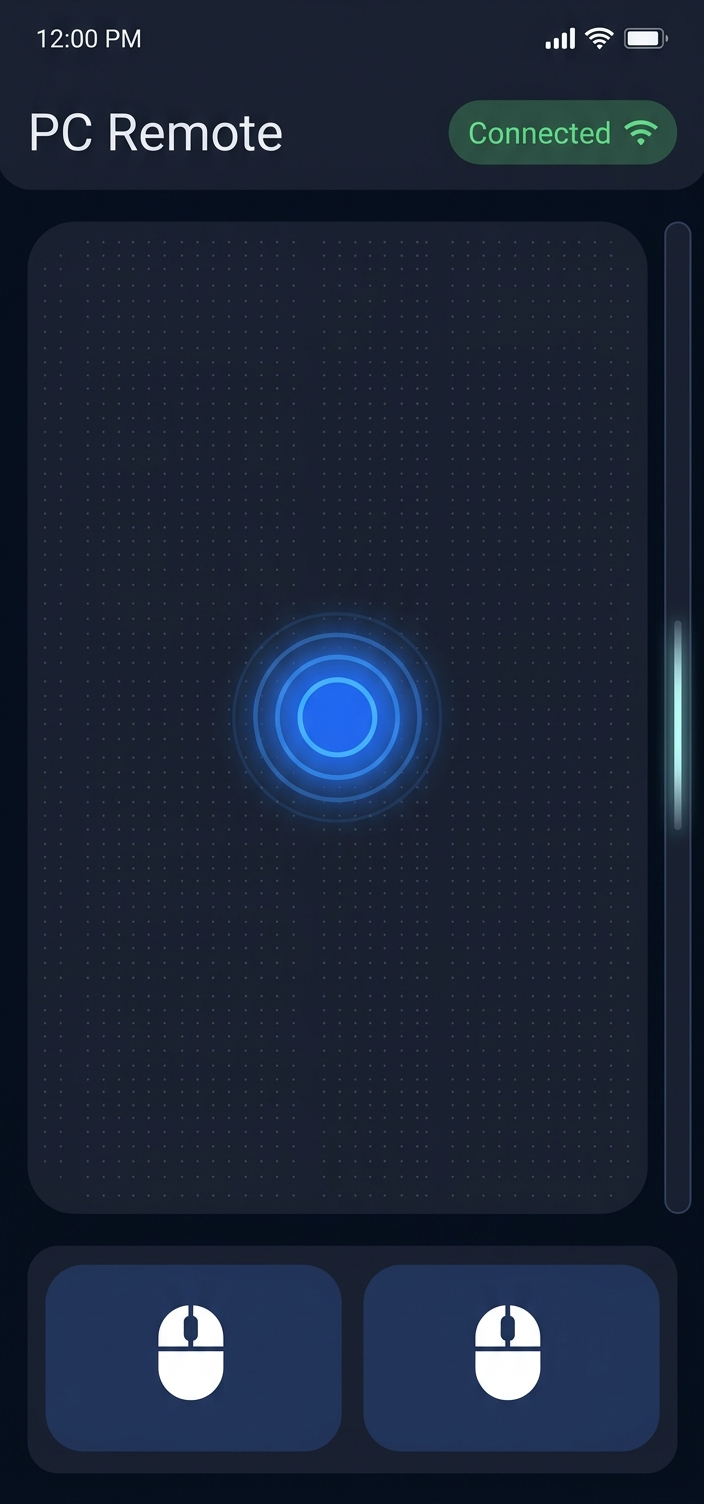
Multi-touch gestures done right: 1-finger tap to click, 2-finger tap for right click, double-tap drag, pinch scroll, and a sensitivity slider from 0.5x to 3.0x.

A real desktop keyboard in your pocket: CTRL, ALT, SHIFT, WIN modifiers, F1–F12, Unicode typing, and one-tap shortcut chips like CTRL+C and ALT+TAB.

Watch your rig breathe. Live circular gauges for CPU, RAM, disk, and GPU load stream to your phone while you game or render — straight from the agent.
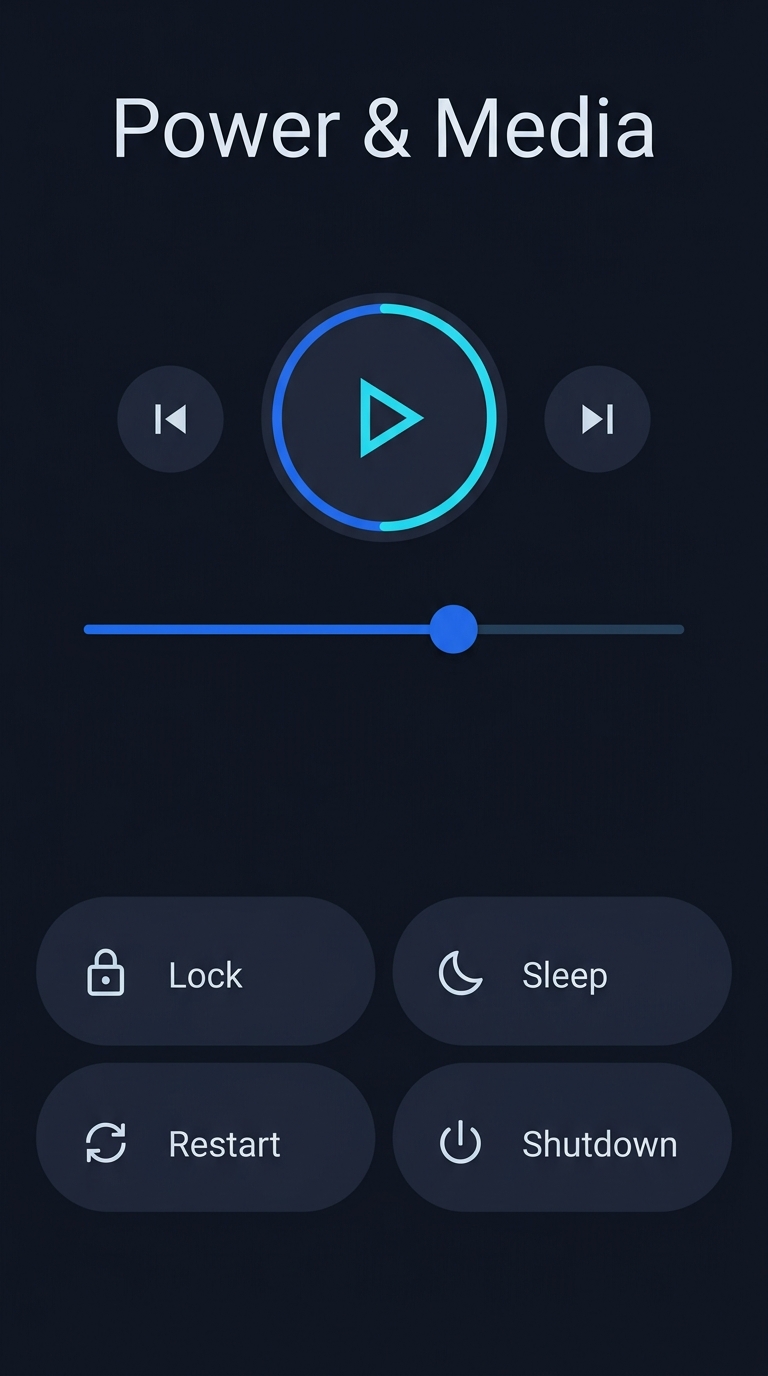
Volume roller, play/pause, track skipping — plus remote Lock, Sleep, Restart, and Shutdown guarded behind confirmation dialogs and your pairing token.
Download hub
Install the Windows companion and Android app, then pair them on the same Wi-Fi. No account or email needed.
PCPilotSetup.exe · 1.6 MB
Sign in first, choose your devices, then send your setup request.
PCPilot.apk · 21.2 MB
Google sign-in required · request saved to your account
iPhone, iPad, and Mac desk setup support is in active development. Same 120 FPS engine, same zero-cloud privacy — landing later this year on pcpilot.in.
In developmentFAQ
No. PCPilot operates entirely across your local Wi-Fi network or a direct USB cable — zero external internet required, and nothing ever touches a third-party cloud server.
USB mode uses automated ADB reverse tunneling on 127.0.0.1:8443. PCPilot detects your phone the moment it's plugged in and opens the tunnel for you — instantaneous, zero-latency response even with no Wi-Fi at all.
A sleek pairing card automatically pops up in the bottom-right corner of your PC screen whenever a phone connects, or you can double-click the PCPilot tray icon anytime to reveal it.
Every session needs a random 6-digit PIN that expires in 5 minutes, paired devices get a 256-bit cryptographic token, and only pre-compiled hardware commands are allowed — no shell execution, ever. Five failed attempts trigger a lockout, and the tray's Disconnect All button revokes everything instantly.
Windows 11 / 10 / 8 / 7 with .NET Framework 4.8+ on the PC side, and Android 8.0 (Oreo) or newer on the phone side. iOS, iPadOS, and macOS support arrives in Q4 2026.
Direct Support & Setup Help
Send us a message below or contact us directly. We respond personally to get you connected fast.
Whether you're setting up Wi-Fi discovery, configuring Windows Firewall, or setting up USB cable mode for gaming, don't hesitate to reach out.
Thank you! Your message has been safely submitted to our team. We'll get back to you shortly.

Sign in with your Google account to unlock your setup package, personal pairing key, and lifetime free community license.
🔒 1-click Google OAuth · No passwords or manual setup required
Account authenticated. Running compatibility scan for your device...
Choose your computer & smartphone combination. Windows + Android is active and available for access today:
Direct Access Registered For:
Please check your email inbox (and Spam / Promotions folder) shortly for your link from hello@pcpilot.in.